How to Build a Self Managing Online Business Tool Loop
A clear guide to building an online business tool loop that runs daily operations smoothly, reduces manual work, and stays manageable as the business grows.
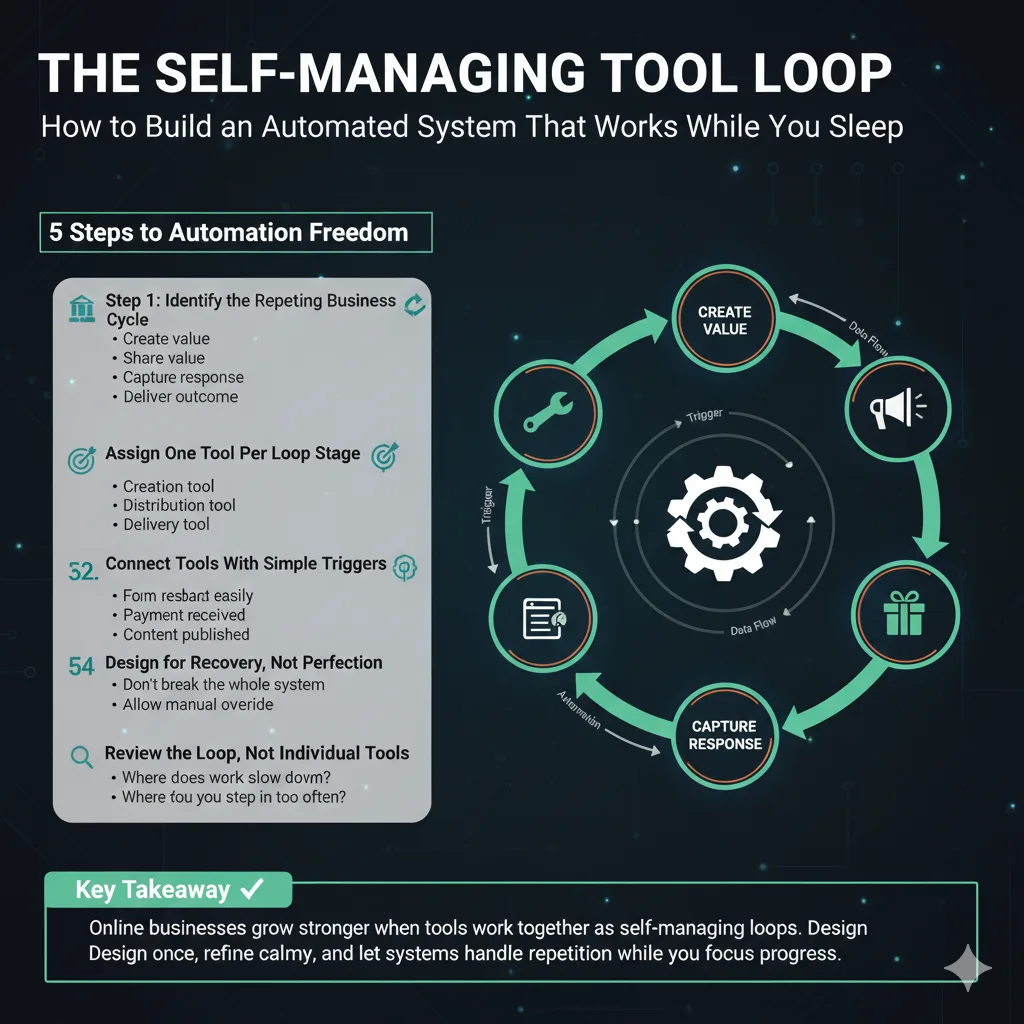
A successful online business doesn’t rely on constant attention—it relies on well-designed loops. This how-to guide shows how to build a self-managing tool loop that keeps work moving with minimal effort. 🛠️
Step 1: Identify the Repeating Business Cycle 🔁
Every online business repeats the same cycle:
-
Create value
-
Share value
-
Capture response
-
Deliver outcome
If a task repeats, it belongs in a loop—not in your memory.
Step 2: Assign One Tool Per Loop Stage 🎯
Match tools to each stage:
-
Creation tool
-
Distribution tool
-
Collection tool
-
Delivery tool
Avoid overlap. Clear roles prevent tool chaos.
Step 3: Connect Tools With Simple Triggers ⚙️
Use basic triggers like:
-
Form submission
-
Payment received
-
Content published
Automation should move work forward, not add decisions.
Step 4: Design for Recovery, Not Perfection 🧠
Assume tools will fail sometimes.
Build loops that:
-
Can restart easily
-
Don’t break the whole system
-
Allow manual override
Resilient systems outperform perfect ones.
Step 5: Review the Loop, Not Individual Tools 🔍
Ask:
-
Does the loop complete itself?
-
Where does work slow down?
-
Where do you step in too often?
Fix the loop, not the symptom.
Key Takeaway ✅
Online businesses grow stronger when tools work together as self-managing loops. Design once, refine calmly, and let systems handle the repetition while you focus on progress.